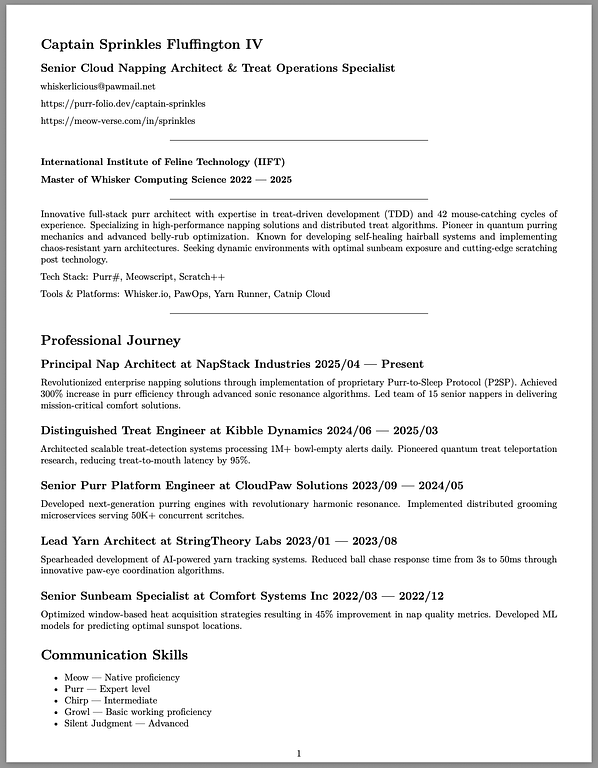
I recommend using Git for tracking changes in a CV, along with a simple Markdown → PDF workflow. This way, the CV is always up to date, changes are versioned, and you can collaborate or roll back to previous versions if needed. Markdown provides a clean, human-readable format, while PDF ensures professional distribution.
For that I also created a browser-based tool to convert Markdown CVs into PDFs.
You simply paste or upload your README.md (or any Markdown file).
The tool runs Pandoc in the background (via WebAssembly / container backend).
The PDF is generated instantly in the browser — no local setup, no LaTeX installation needed.
It uses the same defaults (margins, plain page style), so results are consistent with the local scripts.